Do You Need a NAS for Video Production? Here's Why We Spent $4,000+ on One
By Spencer Stanley · · Updated · 3 min read

The short version
As a Winnipeg video production company handling large amounts of high-resolution footage, storage is part of how we work every day. We recently spent just over $4,000 on a network-attached storage (NAS) system. It was a big purchase, and it has already changed how we work with footage. Here is what a NAS is, why we chose ours, and what we would do differently.

What is a NAS?
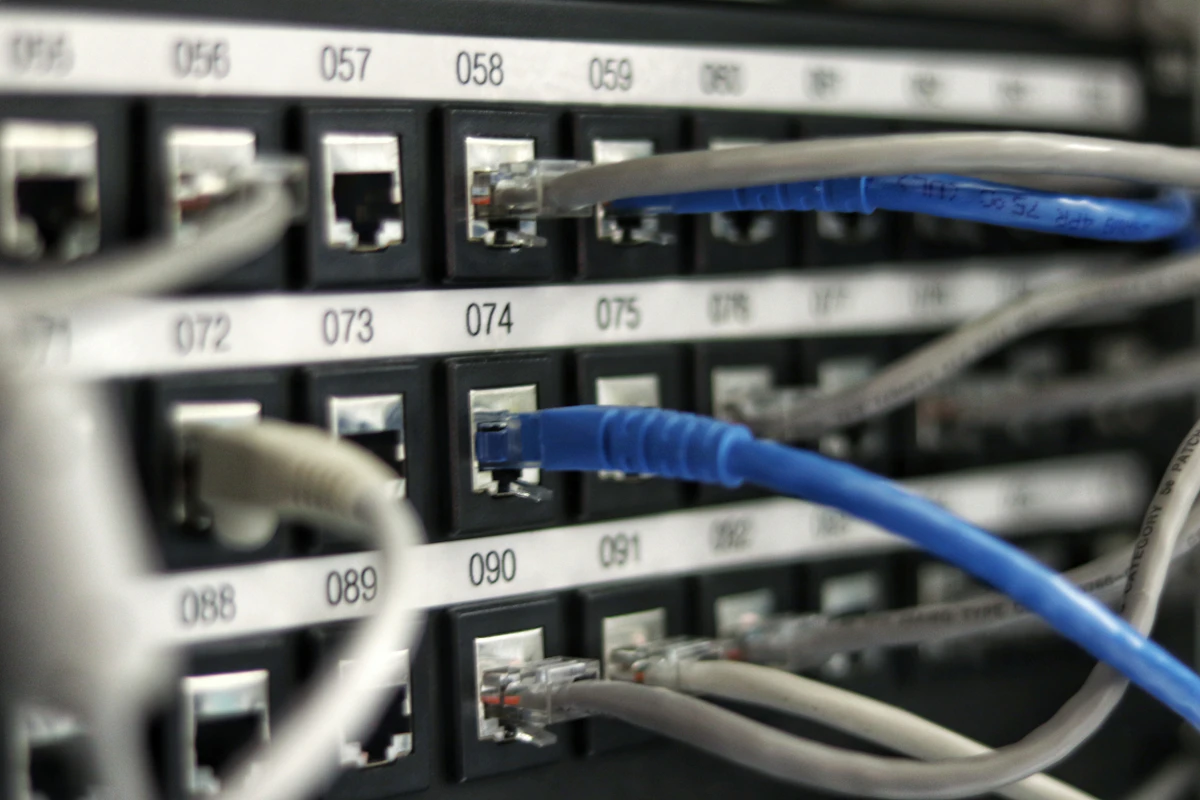
A NAS (network-attached storage) is a small server that stores and shares files over your network. Think of it as a big, protected hard drive with networking built in. Several computers can reach the same footage at the same time, and the whole thing is designed to handle the huge files that video produces.
What we used before
Before the NAS, we managed footage with a mix of solid-state drives (SSDs) and traditional hard drives.
- SSDs (we used Samsung T7 drives) are very fast, but they hold less and cost more per terabyte. Even a single project's footage can fill one quickly.
- Hard drives hold a lot more for the price, but they are not fast enough to edit large files from comfortably.
When you shoot in 4K and beyond, you need speed and space together. That is the gap a NAS fills.
What is in our NAS
- QNAP NAS with four drive bays
- Four 18TB hard drives in a RAID 5 setup
- 10-gigabit ethernet connection
- One 4TB NVMe SSD cache
RAID 5 with four 18TB drives gives roughly 54TB of usable space, with protection if one drive fails.
Why each piece matters
10-gigabit ethernet
Speed is everything when you are moving big media files. A 10-gigabit connection lets us open project files from any workstation on our network without the lag you would get over standard networking.
The NVMe SSD cache
The NVMe cache keeps frequently used files on fast SSD storage, so they open quickly instead of being read from the slower hard drives. When a deadline is tight, quick access to files makes a real difference.
RAID 5 protection
RAID 5 spreads data across the drives so that if one fails, nothing is lost and the system can rebuild. For a studio that handles client footage, that peace of mind matters.
One important note: RAID is not a backup. It protects you from a drive dying. It does not protect you from deleting the wrong folder, a fire or theft, so keep a separate backup too.
The one thing we would do differently
We installed a single 4TB NVMe SSD. Looking back, two 2TB SSDs would have been the better choice. With two SSDs the NAS can use the cache for both reading and writing, which would speed things up even more. It is a fixable mistake, but a good lesson if you are planning a similar build: check how your NAS uses SSD caching before you buy.
Is a NAS worth it for you?
A NAS is probably worth it if you:
- store lots of 4K (or higher) footage and need an archive you can actually reach
- work from more than one computer or share projects with an editor
- are tired of juggling loose drives
You can probably skip it if you edit one project at a time and a fast external SSD covers your needs.
What it means for our clients
Storage is not the most exciting part of video production, but it supports everything else. Easier access to archived footage and faster project loading means less time waiting on files and more time on the creative work, and your footage lives somewhere safe. If you want to see the kind of work this setup supports, take a look at our work, our video production services, or read more about video production in Winnipeg.
Frequently asked questions
Planning a video in Winnipeg?
Tell us what you are working on and we will help you figure out the right approach and budget.